

AdMaker.aiAdMaker.ai
Ads Library
Ad FinderSwipe FileAd SpyAd Library Extension
AI Ad Generator
Ad CloneImage AdVideo AdAI Avatar
AI Image Resizer Ad Copy Generator Product Description Generator Call to Action Generator AI Hook Generator Ad Headline Generator Ad Script Generator Ad Slogan Generator AI Radio Ad Generator AI Brand Voice Generator Gif Banner Maker
Pricing
AdMakerDiscover
Discover Ads
Explore AdsSwipe FileBrand Spy
Folders & Boards

Save Ads with Chrome

DownloadGoogle Chrome Extension

Ad Swipe File: Save, Tag, and Share the Ads Worth Keeping

Keep every ad that catches your eye. AdMaker saves creatives from Facebook, TikTok, Instagram, and other platforms in one click, then lets you tag them, leave notes, and hand a single link to your team.

Built for media buyers, creative strategists, and agencies
Swipe FileAll saves
Learn What Makes Ad Copy Convert
Keep Watch on Competitor Launches
Collect Ideas as You Scroll
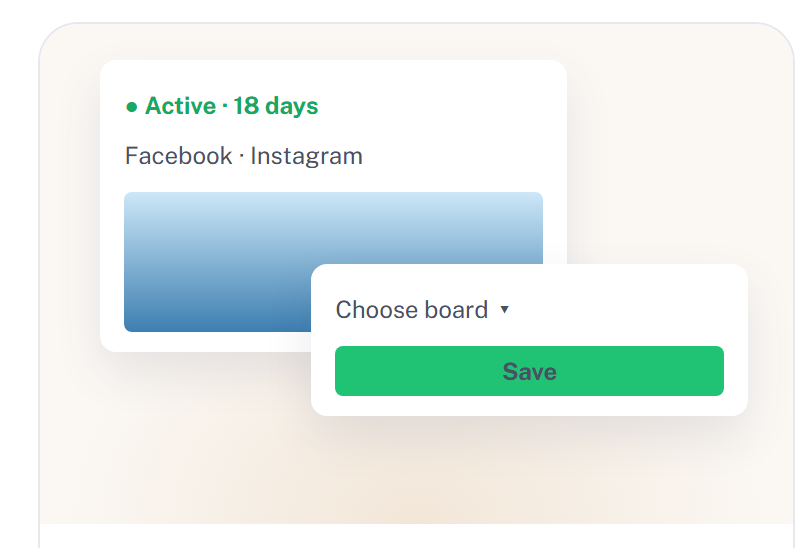
Save, Download, and Share in One Flow
10+
Ad platforms covered
100K+
New ads added daily
20M+
Ads tracked
5,000+
Creatives generated daily

Why Our Swipe File Works Better

It follows the way ad teams really work: capture fast, keep the details, and move from a saved reference to a finished creative without leaving the page.

Save from Facebook, TikTok, Instagram, and more into the same board. Formats sit side by side, so a UGC video and a static carousel can be judged on one screen.

Capture from Every Platform

What is a swipe file?

Think of it as a private reference shelf for advertising. Instead of trusting memory or a camera roll, you keep the ads that stopped your scroll in one collection, right next to their copy and source. Over a few weeks it becomes a record of hooks, offers, and visual styles you can sort, compare, and pull from the moment a new brief lands.

Why keep a swipe file?

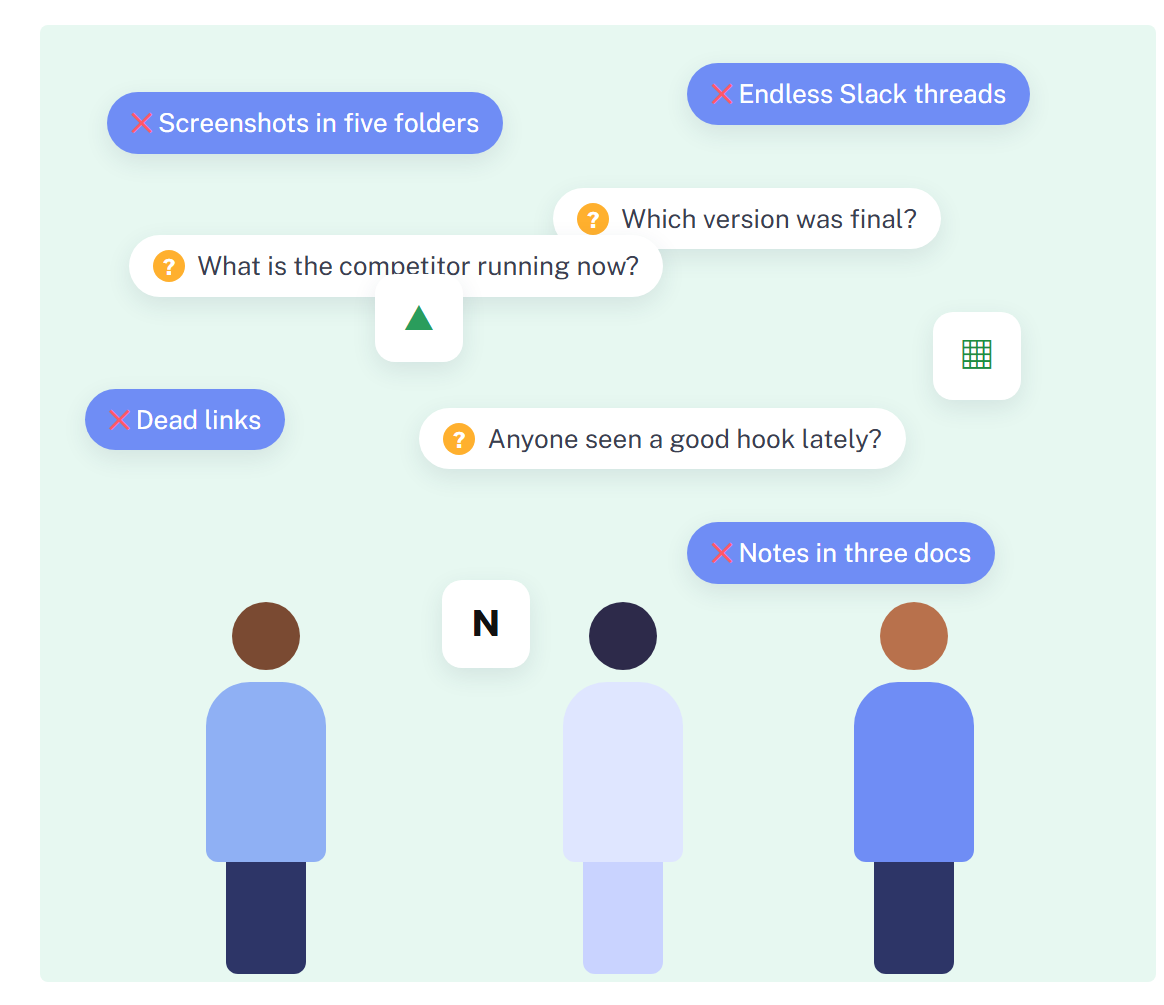
  • Good references rarely live in one place. One sits in a chat thread, another in a screenshot folder, a third behind a link that no longer opens. Pulling them onto one board means you stop hunting and start comparing. Briefs get written faster, feedback happens on the ad itself, and the next concept rests on examples everyone can actually see.
Why keep a swipe file?

Every Great Marketer Keeps a Swipe File

Features

Learn What Makes Ad Copy Convert

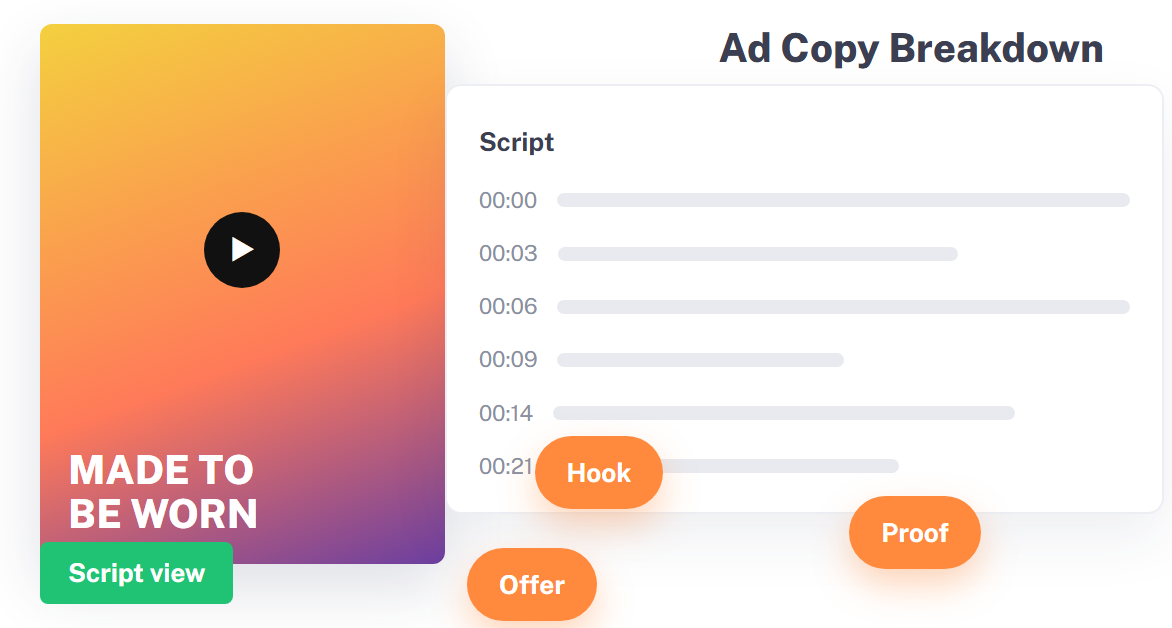
  • Line up ten strong ads from one category and the pattern shows itself: the opening line, the proof point, the way the offer is framed. Seeing hooks and visuals next to each other trains your eye faster than any copywriting course, and every new script gets a clear starting point.
Study Winning Copy
Learn What Makes Ad Copy Convert

Keep Watch on Competitor Launches

  • Save rival ads to a dedicated board and notice when the angle, offer, or creative shifts. When a test keeps running for weeks, that is a signal worth studying, and you can adapt the approach to your own brand before the trend passes.
Track a Competitor
Keep Watch on Competitor Launches

Collect Ideas as You Scroll

  • Spot something good while browsing? One click from the browser extension drops it into the right board. Small saves add up, and soon you have a focused bank of ideas to revisit whenever trends shift or a brainstorm stalls.
Save While You Browse
Collect Ideas as You Scroll

Save, Download, and Share in One Flow

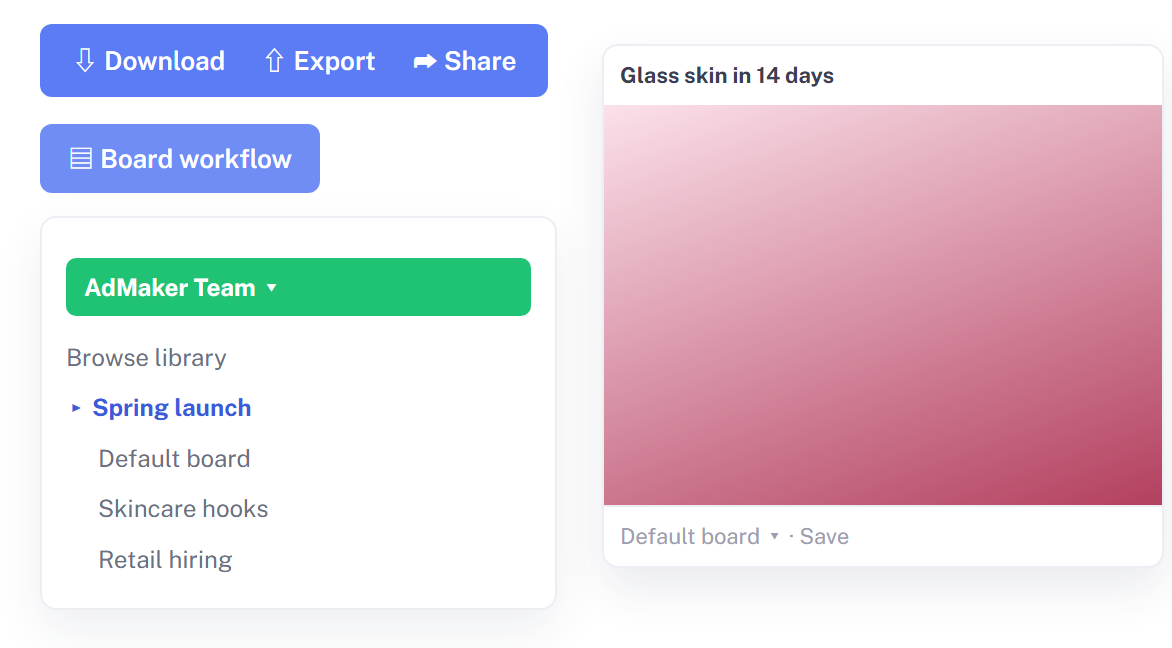
  • Preview an ad, save it, download the file, or share the board, all from the same view. Folders, boards, and team spaces keep things tidy, so comparing styles and building a creative plan takes minutes instead of an afternoon.
Organize Your Boards
Save, Download, and Share in One Flow

How to Use the AdMaker Inspiration Library

Three habits turn random saves into a reference system the whole team can rely on. Start with one board and grow from there.

Save Ads While You Browse

  • Use the Chrome extension or the Save button in the library. The ad lands in your chosen board with its copy and source link already filled in.
Save Ads While You Browse

Tag It and Add a Note

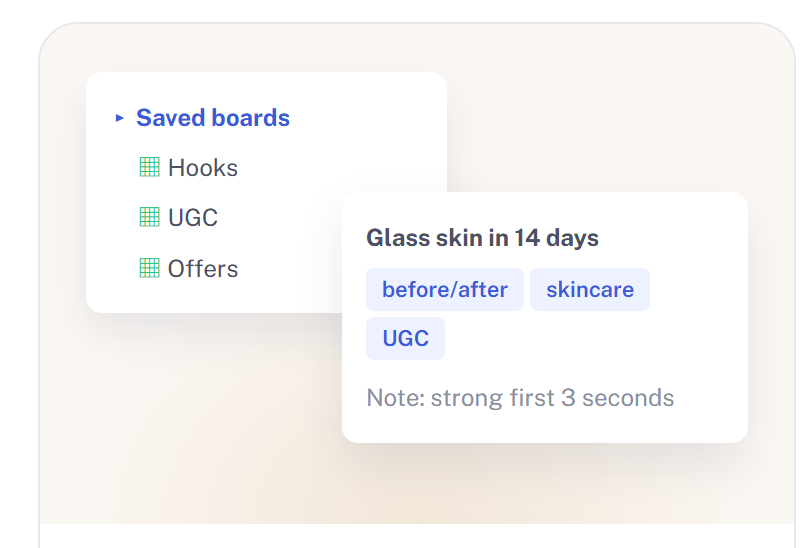
  • Label each item by angle, format, or product line, and jot down why it caught your attention. Filters make the right reference easy to find later.
Tag It and Add a Note

Review It with Your Team

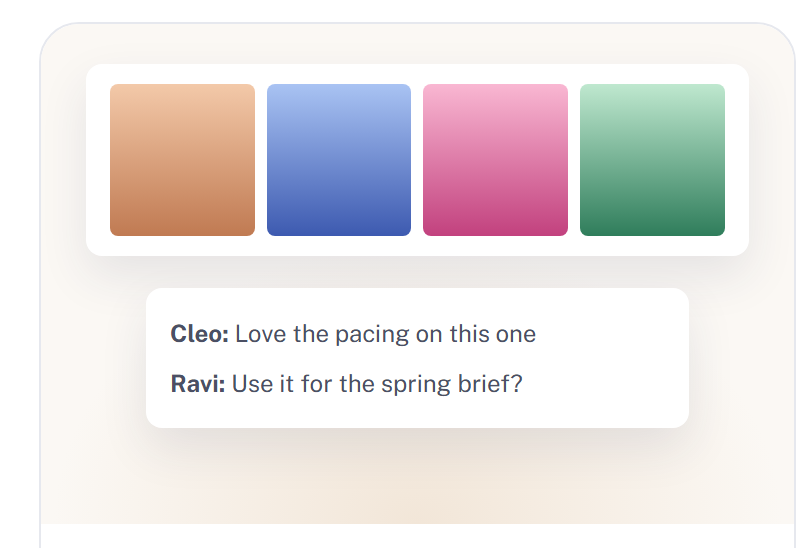
  • Share the board, comment on individual ads, and agree on a direction together. Everyone works from the same examples, so briefs need fewer rounds of revisions.
Review It with Your Team

What Marketers Say About Their Swipe File

See how marketers use AdMaker to discover winning ads, clone what converts, and ship the next creative.

MM.K.Creative Strategist

I open it before every brief. Hooks are tagged by angle, so I can pull five openers for a skincare launch in under a minute instead of digging through old decks.

DD.P.Freelance Video Editor

Clients used to send me screenshots with zero context. Now they send a board. I can see the copy, the landing page, and how long each ad ran, which tells me what they actually liked.

RR.S.Social Media Manager

Saving takes one click, which is the only reason I actually do it. Three months in, I have a set of references I trust more than any trend report.

AA.L.Media Buyer

We keep one board per competitor. When an ad keeps spending for six weeks, we notice, and we test our own take on the angle.

TT.N.Agency Founder

Onboarding a new designer used to mean a long call. Now I share two boards and a few notes, and they get our taste on day one.

JJ.H.Growth Marketer

My old swipe file was a Notion page full of dead links. Everything here keeps its source, so nothing disappears when an ad goes offline.

Swipe file questions, answered

The ads worth keeping are already live. Start your swipe file today.

Save the next ad that catches your eye, tag it, and share it with the team before the idea slips away.

AI Ads Generator

AdMaker.ai

Create professional video ads with AI technology - from product URLs to viral content in seconds

FacebookTwitterLinkedIn

[email protected]

AI AD Maker - AI AD Maker: URL to video ads in minutes | Product Hunt
Features
  • AI Video Ads
  • AI Image Ads
  • AI Image Ads Clone
  • Avatar Video
  • Create Your Own Avatar
  • AI Lip Sync
Resources
  • Blog
More Tools
  • Batch Creation
  • Talking Photo
  • Video Translation
  • AI Background Remover
  • AI ID Photo
  • QR Code Generator

© 2026 AD Maker. All rights reserved

Privacy PolicyTerms of Service
AI Ads Generator
AD Maker

Sign in to your account

Or use email to login
Don't have an account? Sign up
By continuing, you agree to our Terms of Service and Privacy Policy